01
Automatic SMS filter
Scam texts stay out of the inbox.
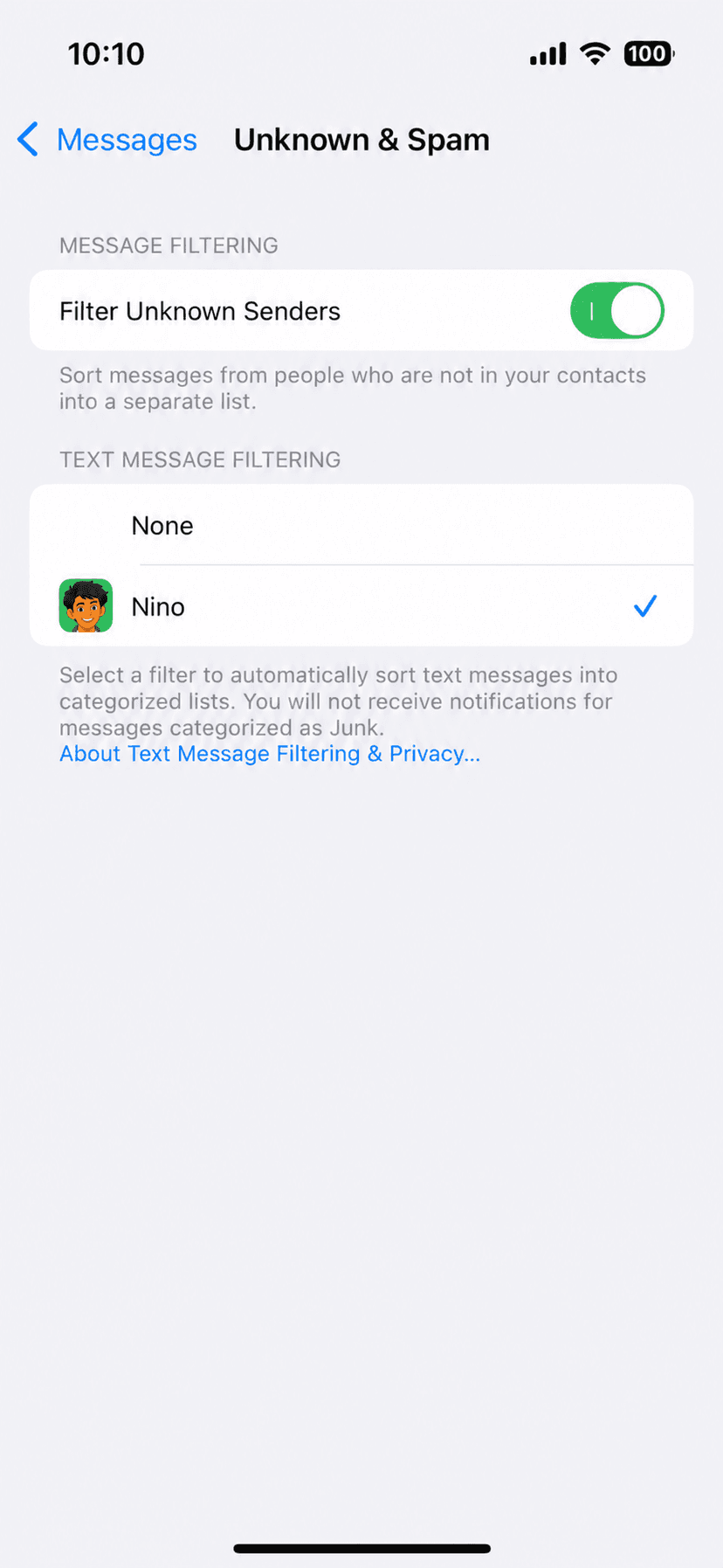
Nino junks phishing texts before they reach you. The filter uses Apple’s built-in SMS filtering system and runs on your iPhone.
Para safe na safe.
Nino blocks scam calls and filters phishing texts on your iPhone, automatically. Built by Filipinos, for Filipinos. No account. Free.
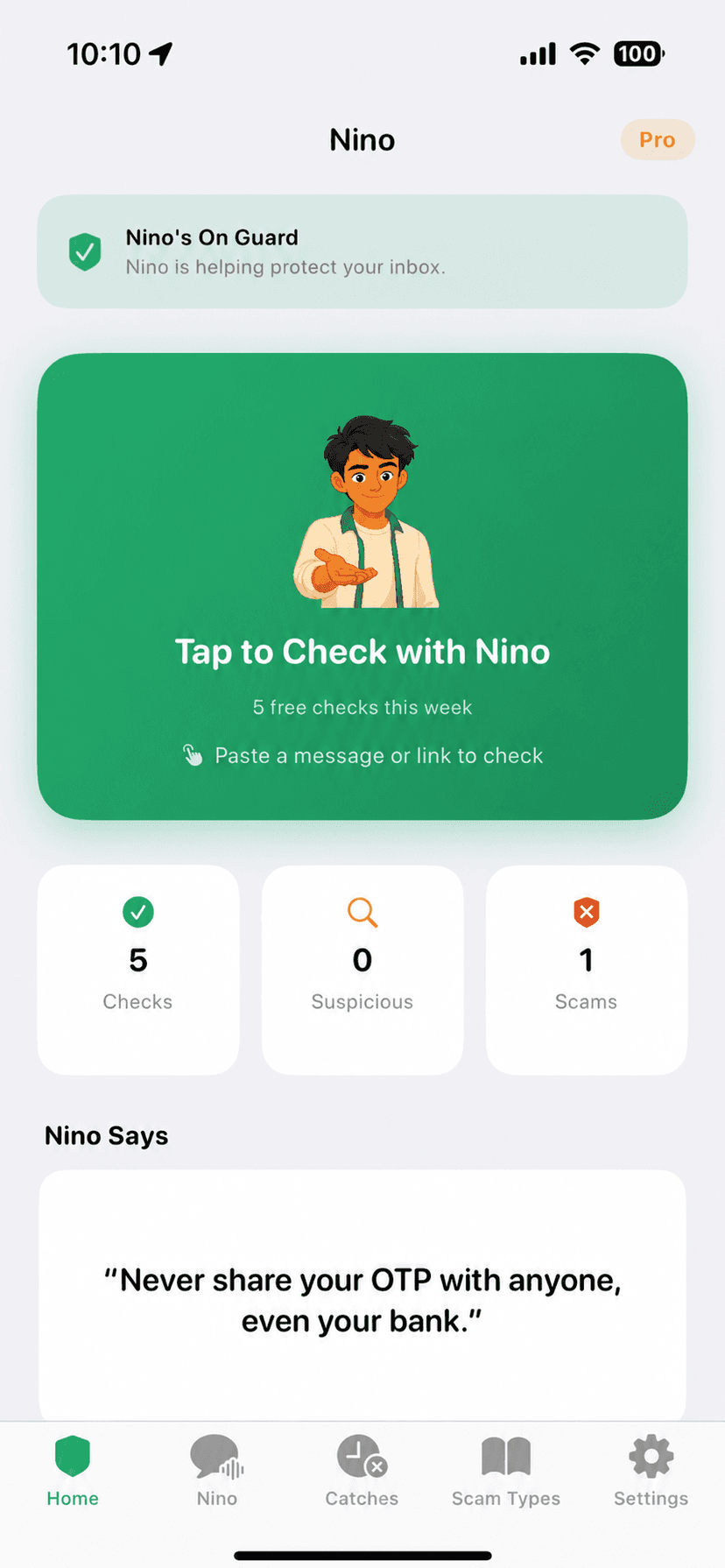
Nino watches the places scams usually show up, then gives your family a simple next step.
Automatic SMS filter
Nino junks phishing texts before they reach you. The filter uses Apple’s built-in SMS filtering system and runs on your iPhone.
Live scam caller ID
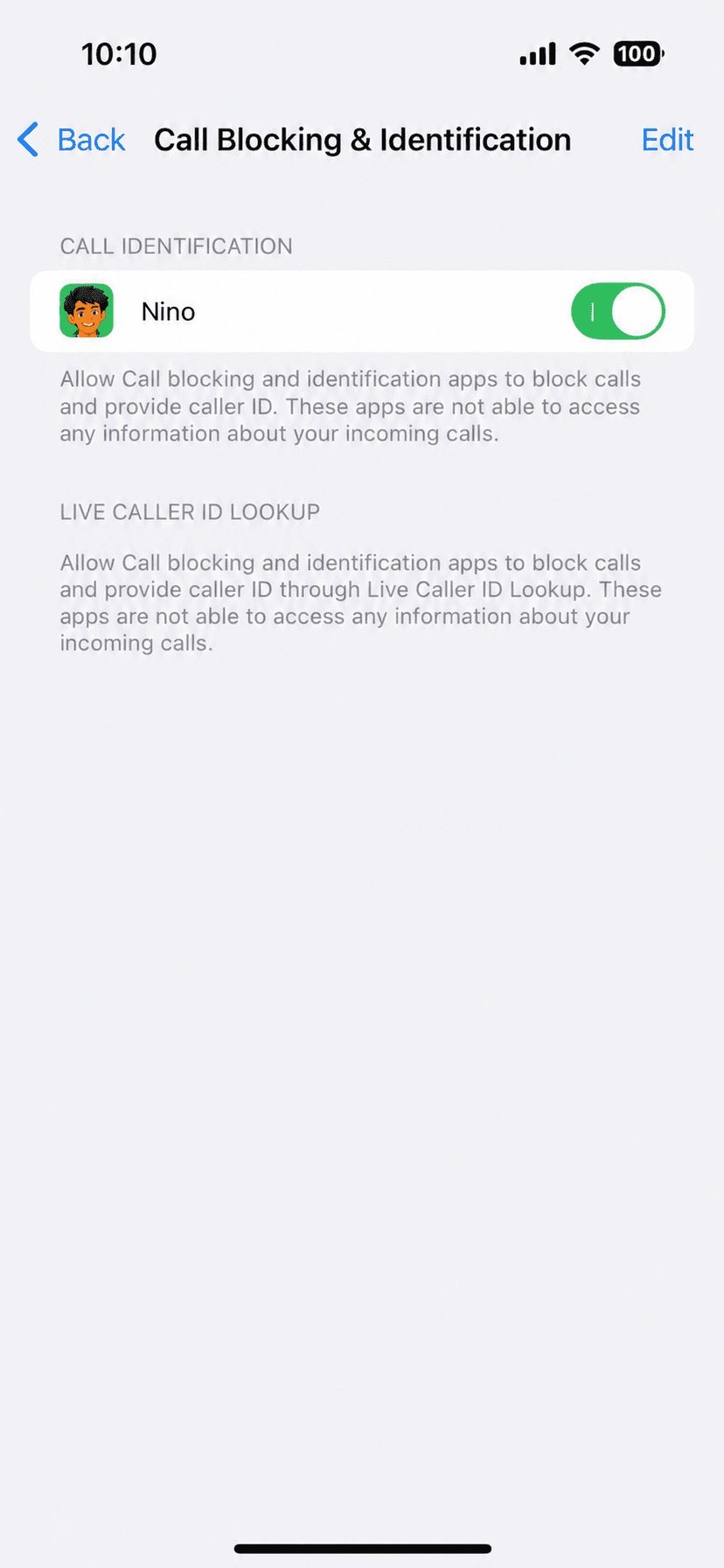
Known scam numbers are flagged on the incoming call screen, giving you a clear warning before you pick up.
Check any number
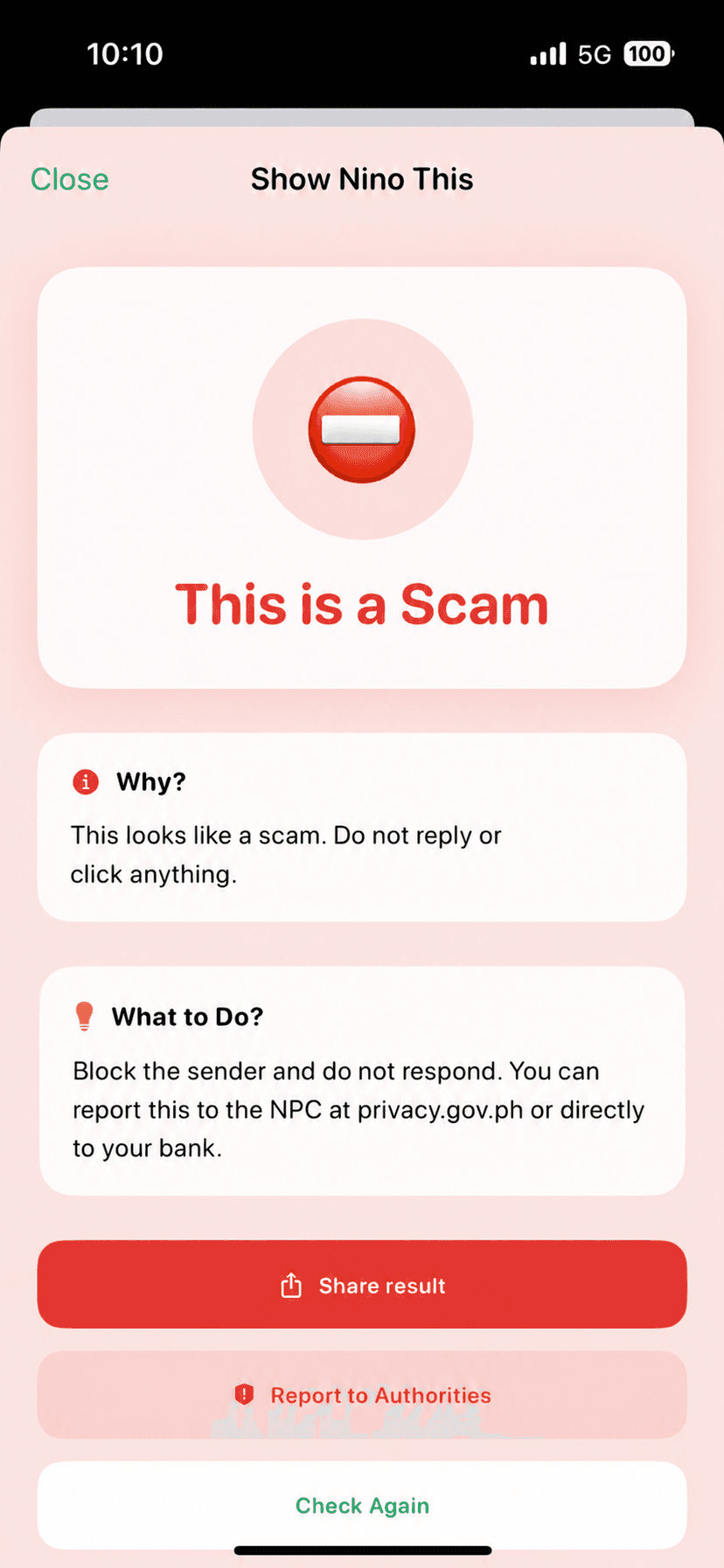
Look up a suspicious caller without downloading the app. Nino gives you a clear Safe, Warning, or Scam verdict from the database.

Nino’s SMS filter runs on-device using Apple’s built-in system. Your message content stays private, where it belongs.
Read Nino’s privacy policyOn-device SMS filtering, scam call alerts, and instant number lookups. No account required. Nothing leaves your phone.

Easy enough to explain over merienda. Useful enough to keep on every iPhone in the family.
An easy way to check a suspicious number before clicking or replying.
Extra protection around money transfers, account alerts, and urgent messages from home.
A second look at fake job offers, malicious links, and phishing messages.
A simple tool the whole family can use before answering an unfamiliar caller.
Clear answers before you put Nino on your family’s phones.
The core app is free: SMS filtering, scam caller ID, and number lookups. Nino Pro is an optional upgrade that unlocks unlimited checks, Nino Talk, full check, and custom keyword filters.
Pro gives you unlimited number checks, access to Nino Talk (AI-powered scam advice), the full check feature, and custom keyword filters for your SMS filter.
No. The SMS filter runs entirely on your iPhone using Apple’s built-in SMS filtering API. Your message content never leaves your device.
Open the app and enter the number, or visit ninoprotect.com/check from any browser. No app needed.
Safe means no reports in the database. Warning means a small number of users flagged it. Scam means multiple verified reports confirm fraud from that number.
Community reports from Nino users, plus advisories from NTC, BSP, and the PNP Anti-Cybercrime Group, all cross-referenced and updated daily.
Not yet. Nino is iOS only for now. Android is on the roadmap.
More questions? See the full FAQ

Nino is free, made for Filipinos, and runs entirely on your iPhone. Download it once. Protect your family every day.
Download free on the App Store